01 / Terminal
Every server.
Its own space.
Tabbed SSH sessions, a clear connection library and reusable command snippets. Password or OpenSSH Ed25519, RSA and ECDSA key authentication, with an explicit server identity check.

ControlDesk for Mac
Your terminal, files and live metrics. Together in a clean, native Mac workspace that lets you focus on the work.
Preparing for the Mac App StoremacOS 15 or later · Apple silicon and Intel · By Lizzian LLC
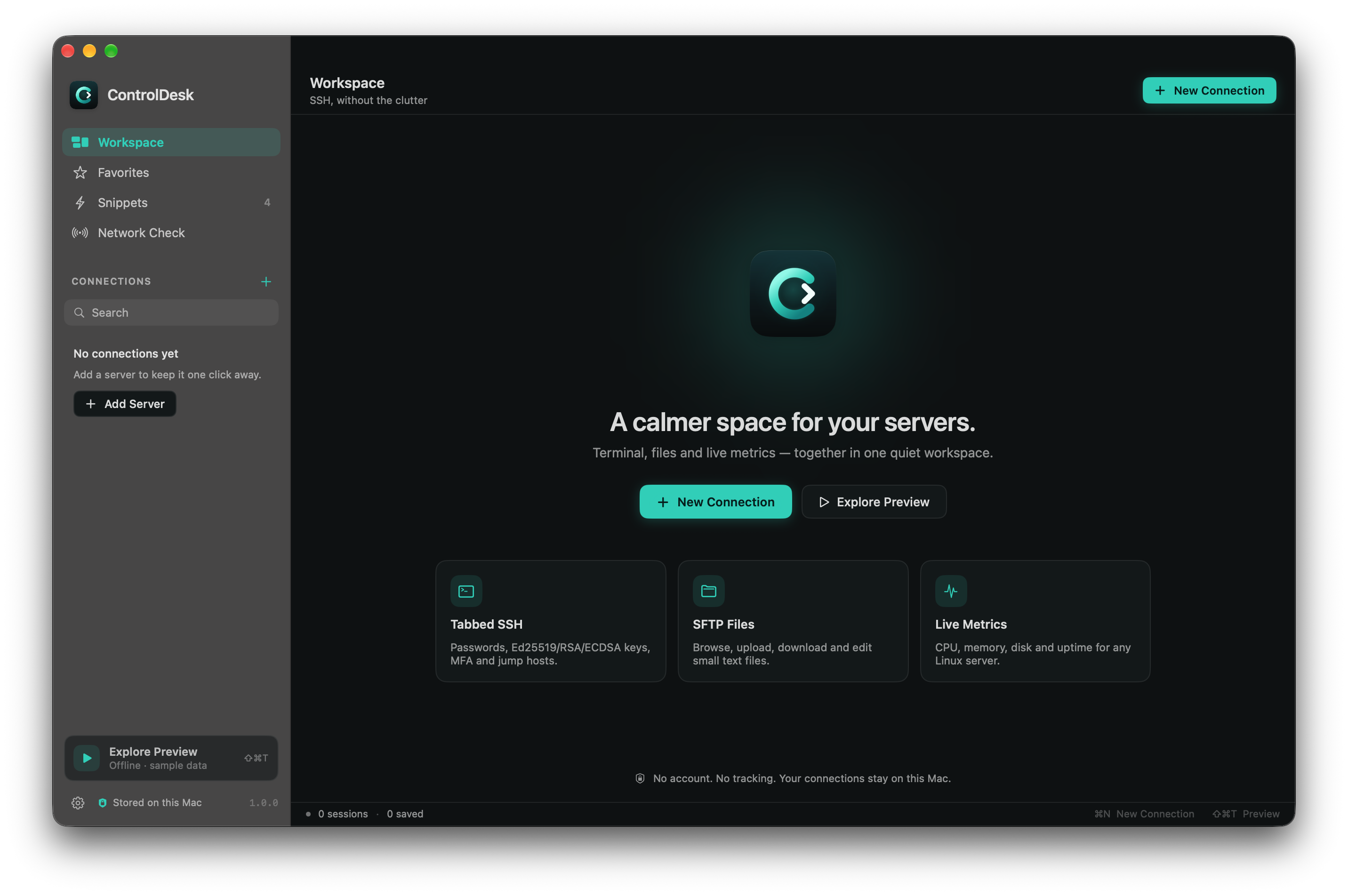
ControlDesk welcome workspace. Explore Preview lets you try the interface offline without credentials.
01 / Terminal
Tabbed SSH sessions, a clear connection library and reusable command snippets. Password or OpenSSH Ed25519, RSA and ECDSA key authentication, with an explicit server identity check.
02 / Files
Browse SFTP files beside your terminal. Upload and download with progress, or edit small UTF-8 files with a deliberate save-and-upload confirmation.
03 / Insight
CPU, memory, disk and uptime for Linux servers with Python 3. A TCP network check helps distinguish an unreachable server from an authentication problem.
No ControlDesk account, advertising or developer analytics. Connections stay on your Mac. Passwords and key passphrases are kept in memory for authentication and never saved by the app.
Read the privacy policy →Fresh light mode, a comfortable dark mode and a system appearance option. Native file pickers, accessible controls and a layout that keeps the terminal at the center.
Explore the interface offline without credentials. Real sessions connect directly to SSH servers you choose. ControlDesk includes no hosted server service.
Version 1.0 supports passwords, OpenSSH Ed25519, RSA and ECDSA keys, keyboard-interactive and MFA prompts, jump hosts, SSH config import and encrypted backups. Local shells and cloud sync are not included.
Setup and troubleshooting →