
LingoBox
Follow the conversation.
Read bilingual captions as people speak, reply in your own language, and keep a transcript for later. Speech recognition and translation run on your device.
iOS and iPadOS 26.4 or later
See LingoBox in action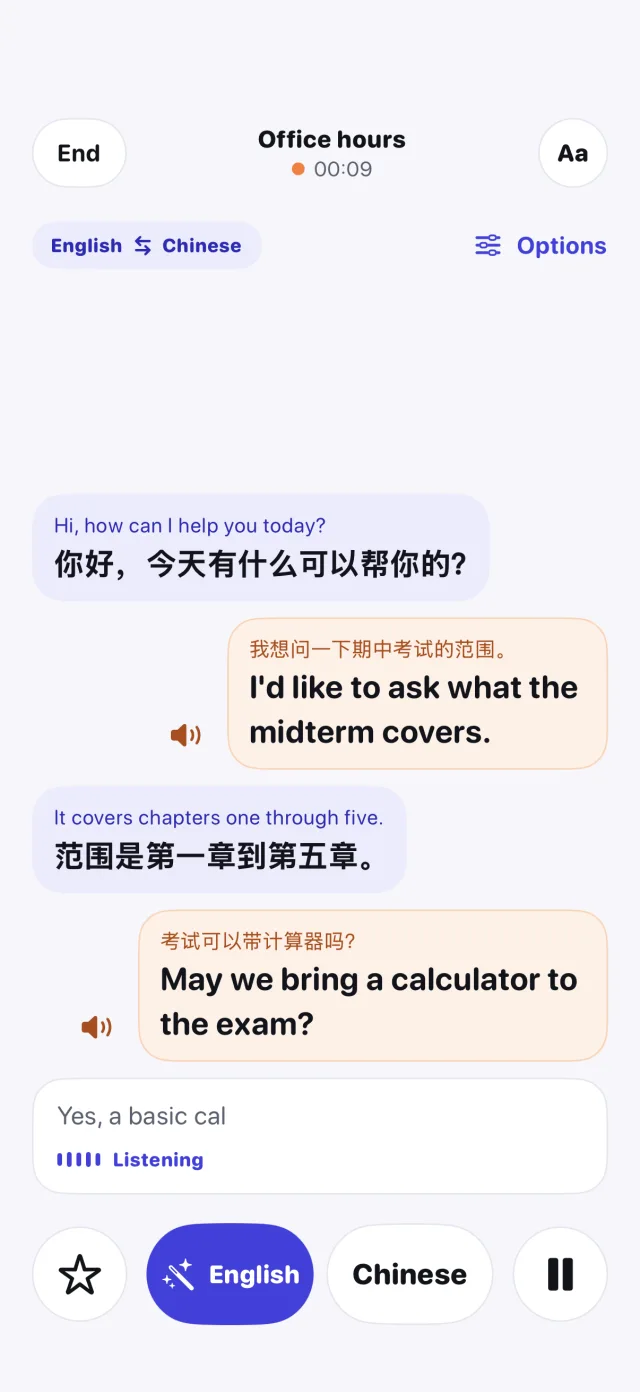
From live speech to a transcript
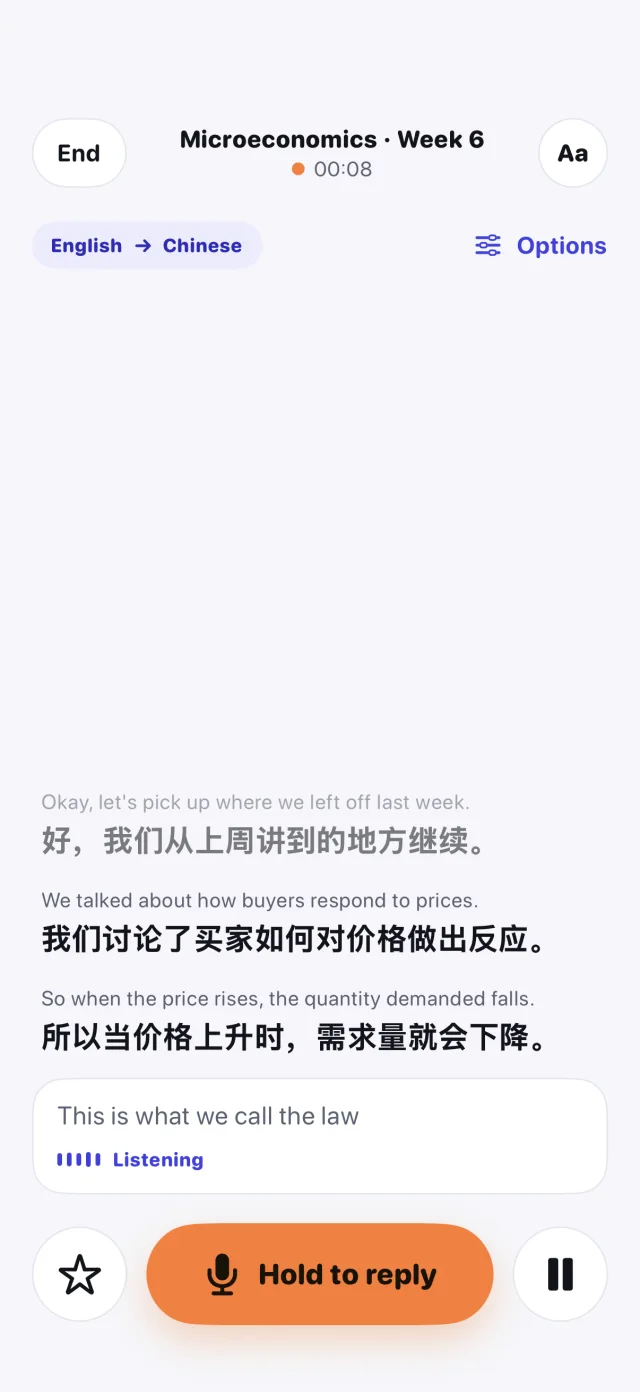
Listen with live captions
Follow a class, appointment, or meeting in a supported language. Show both the original speech and translation, or read the translation on its own.
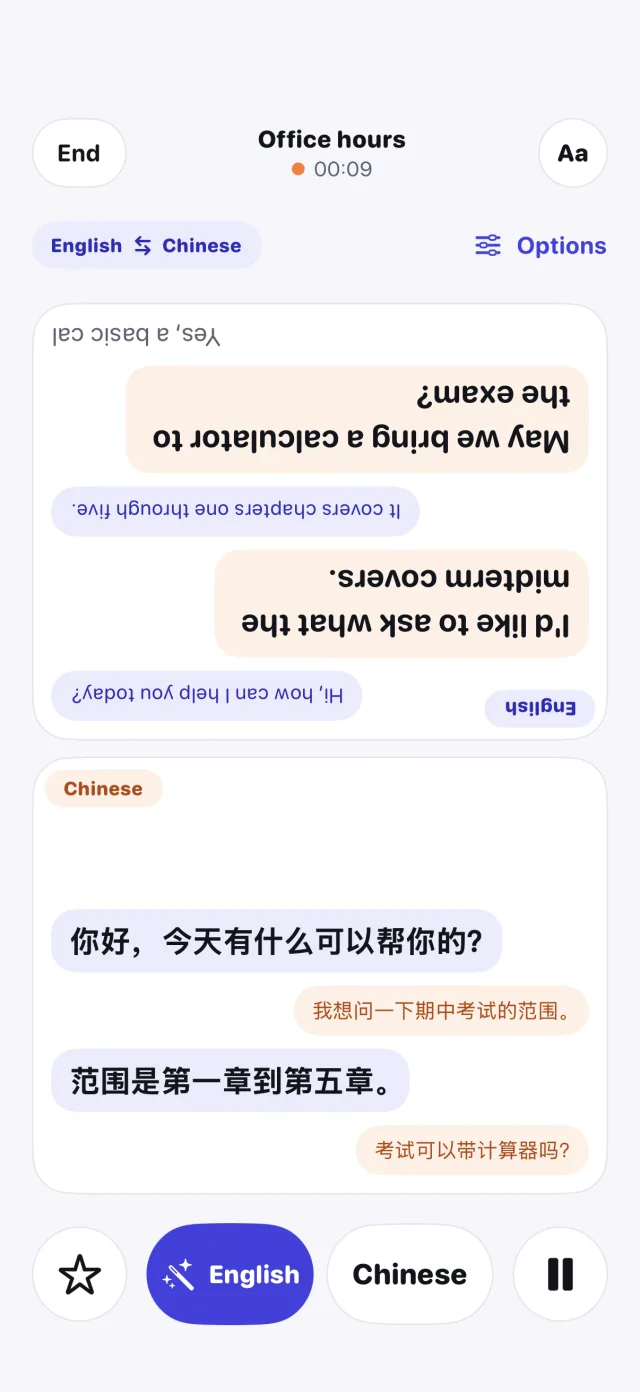
Speak and reply
Switch between the two languages in Conversation mode. Play a translated reply aloud or use Face to Face to show each person their side of the exchange.
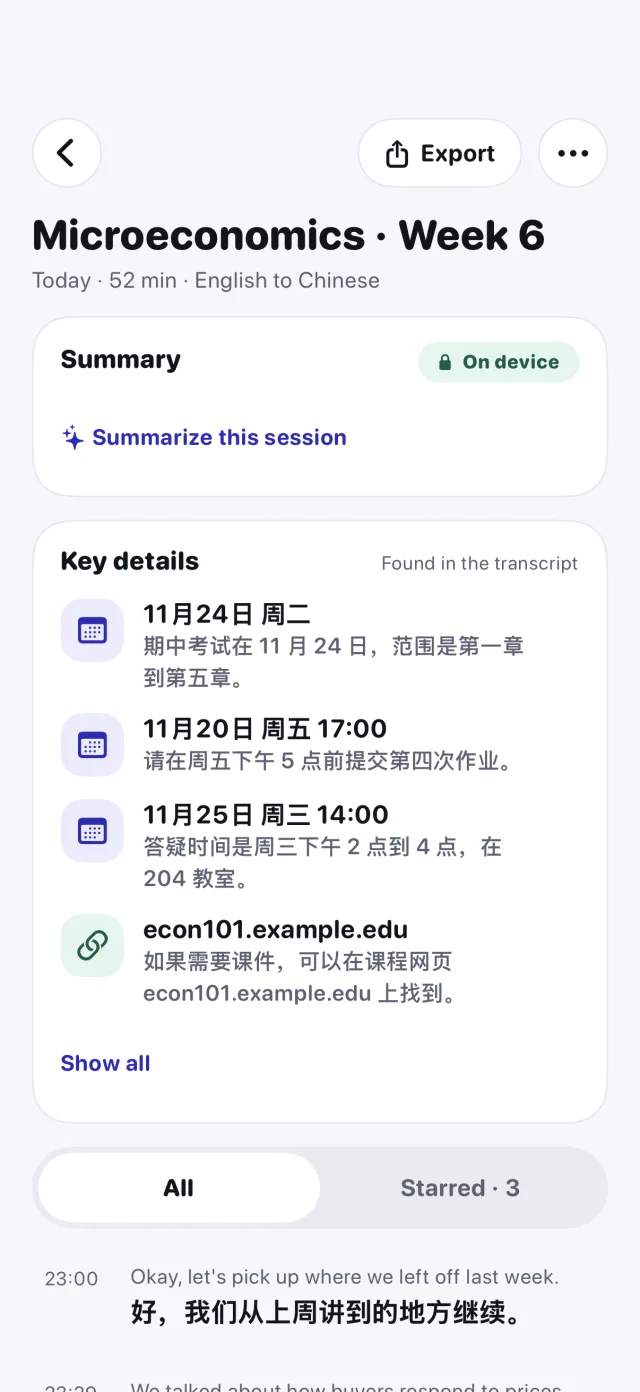
Review what was said
Search saved sessions, star important lines, and review extracted dates and other key details. Summaries are available on supported Apple Intelligence devices and languages.
More ways to translate
Quick translation
Type or paste a phrase, play the translation aloud, and save useful phrases for later.
Import a recording
Choose an audio file from Files to create a bilingual transcript on your device. LingoBox leaves the original recording in place.
Work offline after setup
Download the required Apple language resources while connected. Use the readiness check to see which languages and features are available on your device.
Private by design
LingoBox saves text on your device. It does not save microphone audio and has no LingoBox account, advertising, or developer analytics.
Read the privacy policyLingoBox Pro
Free features include Quick translation, saved phrases, and live sessions with duration and library limits. Pro removes those limits and adds preparation, a glossary, transcript export, and an optional device authentication lock for saved sessions.
See requirements and setup